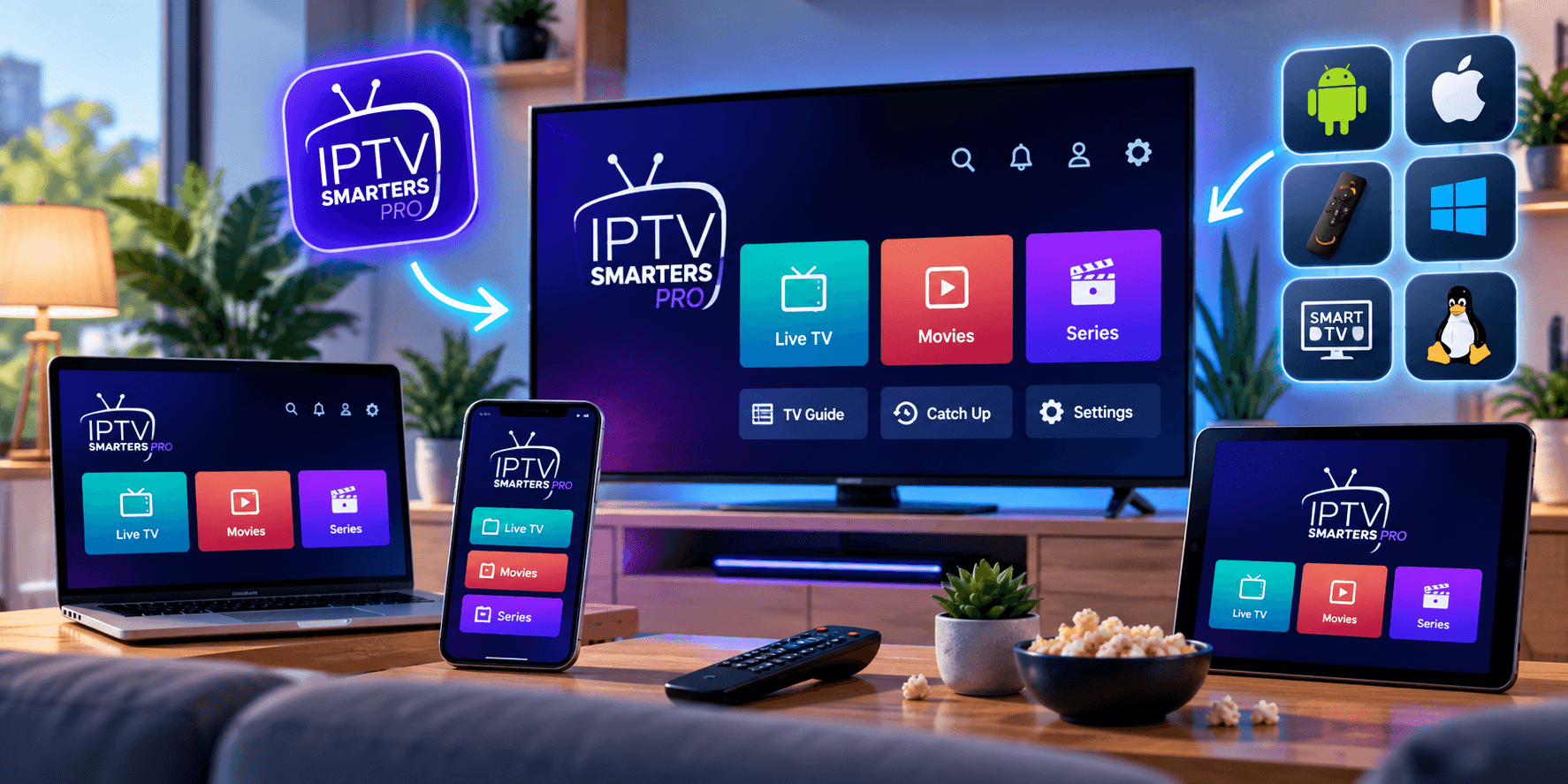
IPTV Smarters Pro is one of the most widely installed IPTV players anywhere. It runs on Fire TV Sticks, Android phones and boxes, iPhones and iPads, Windows and Mac computers and some smart TVs, with nearly the same layout on each. In a home where one person has a Firestick, another an iPad and a third a laptop, that consistency is its biggest selling point.
This guide covers safe downloads for each device, logging in with Xtream Codes or M3U, loading the TV guide, the settings worth changing and the most common errors. The app has no channels of its own; it plays the subscription you add, such as SofaIPTV. Menu labels vary a little between versions, but the steps do not.
Why people choose it
- Separate Live TV, Movies, Series and Catch-up sections, with posters and episode lists.
- A built-in TV guide for live channels.
- Accepts both Xtream Codes logins and M3U links.
- Multi-screen view on supported devices for watching several channels at once.
- Favourites, search and parental controls.
- Available on iPhone, iPad and computers, where TiviMate is not.
If you only watch on Fire TV or Android TV and want the most cable-like guide, compare it with TiviMate in our TiviMate setup guide. For mixed-device households, Smarters is usually simpler.
What to have ready
- Your login: Xtream Codes server URL, username and password, or an M3U link.
- A steady connection, ideally Ethernet or 5 GHz Wi-Fi close to the router.
- About ten minutes, or fifteen on a Firestick the first time.
Use Xtream Codes whenever you can: it loads the guide, films, series and catch-up automatically. The M3U vs Xtream Codes comparison explains why.
Step 1: Download it from a safe source
Where IPTV Smarters Pro is listed changes over time and varies by country, and it has been removed from some stores in some regions. Always check your device’s official app store first. If it is not there, use the developer’s official site, iptvsmarters.com, and nothing else. Look-alike apps and modified copies with similar names and logos are common, and some carry malware or adverts.
Fire TV Stick
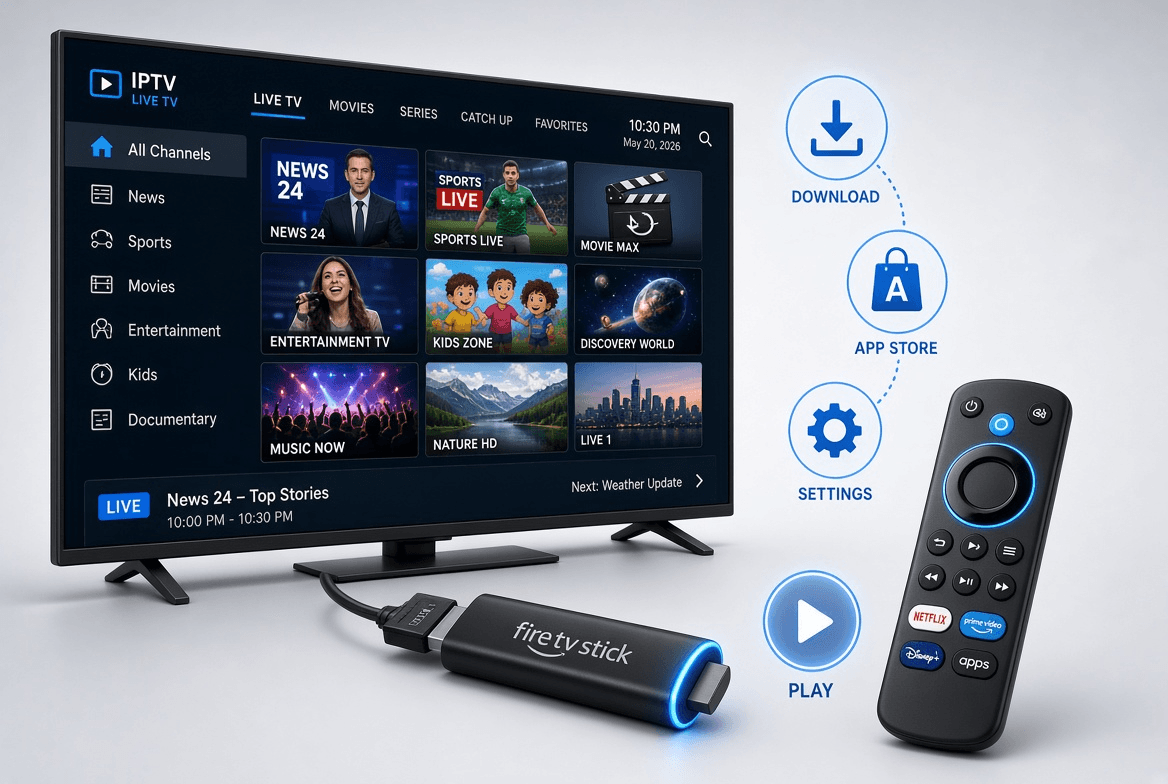
Not in the Amazon Appstore, so it goes on through the free Downloader app once developer options are unlocked and Downloader may install apps. The Firestick installation guide shows every screen. Then enter the official download page from iptvsmarters.com in Downloader, install, and delete the installer afterwards.
Android phones, tablets and TV boxes
Search the Google Play Store for IPTV Smarters and check that the developer matches the one named on iptvsmarters.com. If it is not offered in your country, download the official app file from iptvsmarters.com and allow your browser to install it when asked.
iPhone, iPad and Apple TV
Search the App Store. On Apple devices the app sometimes appears as Smarters Player Lite, so check the developer before installing. If no official version is available where you live, see IPTV on Apple TV, iPhone and iPad for alternatives.
Windows and Mac
Download the desktop edition from iptvsmarters.com and install it like any program. On a Mac, you may need to approve it under System Settings › Privacy & Security the first time it opens.
Samsung and LG smart TVs
A TV edition exists for some models, but availability depends heavily on the TV and the country. If it is missing, IBO Player and Flix IPTV are good substitutes; see the IPTV apps for Samsung and LG TVs.
Step 2: Log in with Xtream Codes (recommended)
- Open the app and accept the terms on first launch.
- Choose Login with Xtream Codes API (sometimes Add user, then Xtream Codes).
- In Any Name, enter a profile name such as SofaIPTV.
- Type your username and password exactly; both are usually case-sensitive.
- In URL, enter the server address with http:// and any port, for example http://server-address:8080.
- Select Add User and wait while channels, films and series download, which can take a minute the first time.
Or log in with an M3U link
- Choose Load Your Playlist or File/URL.
- Name the playlist and select M3U URL.
- Paste the M3U link; on a TV, copying it from your phone beats typing with the remote.
- Select Add User and let the list load.
An M3U login may show fewer films and series and an empty guide, because the format carries less information. If you also have Xtream Codes details, use those.
Step 3: Load the TV guide
With Xtream Codes, the guide normally loads on its own. If channels show no programme information, open Live TV and choose install or update EPG, then wait a few minutes; some versions keep the option in Settings.
With M3U, ask your provider for the separate EPG link and add it in the EPG settings. Our explainer on what an EPG is covers why some channels say “No information” and how to fix it.
Step 4: Settings to change
- Player: the built-in player suits most devices. If a channel shows a black screen or stutters, try the other built-in player or VLC as an external player.
- Stream format: leave it on Default; if live channels stutter, compare MPEGTS and HLS.
- Automation: switch on automatic channel and guide updates.
- Time format: pick 12-hour (common in the US and Canada) or 24-hour (common across Europe) to match how you read the guide.
- Parental control: set a PIN and lock categories you do not want children to open.
Step 5: Make the line-up manageable
Long-press a channel, or open its options, and add it to Favourites; they then sit in their own category at the top of Live TV. Use search to jump to a channel, film or series by name.
On supported devices, Multi-Screen in Live TV shows up to four channels at once, popular on busy sports nights. Each tile is its own stream, so it uses several connections and several times the bandwidth; see how multiple connections work.
One login, several devices
Install IPTV Smarters Pro on as many devices as you like and use the same login on each. Your plan limits how many streams play simultaneously, so on a one-connection plan a second viewer may get a connection error. Choose enough connections for your busiest evening; compare them on our pricing page.
Common errors and fixes
- Invalid username or password: look for typos, capitals and spaces at either end, and check that the account is still active.
- Server not found: make sure the URL starts with http:// and has the right port, with no trailing slash.
- Logged in, nothing loads: delete the profile, add it again and allow a full minute for the first download; restart the app if it stays empty.
- Empty guide: install or update the EPG from Live TV or Settings and wait; with M3U, add the EPG link manually.
- Black screen or no sound on one channel: switch player in Settings or try the HLS format.
- Evening buffering: usually Wi-Fi rather than the app. Start with a cable and work through the IPTV buffering guide.
- Maximum connections reached: another device is already playing on the account; stop it there first.
Summary
Download IPTV Smarters Pro from your official store or iptvsmarters.com, log in with Xtream Codes, check the guide, add favourites and switch on automatic updates: about ten minutes. Because it behaves the same on nearly every device, it is one of the easiest players to roll out across a whole household.
Ready to try it? Request a free trial of SofaIPTV, follow these steps and test on a busy evening before choosing a plan. If something will not work, message support with your device and a screenshot.
Frequently asked questions
Is IPTV Smarters Pro free?
The app is free to download and use on most devices. You need a separate IPTV subscription, added with Xtream Codes or an M3U link, to watch anything.
Does IPTV Smarters Pro come with channels?
No. It is only a player; channels, films and series come from the subscription you log in with.
Why is IPTV Smarters Pro missing from my app store?
Store availability changes and differs by country. If it is not listed, download it from the official iptvsmarters.com site or pick another well-reviewed player, and avoid look-alike apps.
Xtream Codes or M3U in IPTV Smarters Pro?
Xtream Codes whenever possible. It loads the guide, films, series and catch-up automatically, while M3U often leaves the guide empty.
Can I use IPTV Smarters Pro on several devices?
Yes, with the same login on each. Your plan only limits how many streams play at the same time.
IPTV Smarters Pro or TiviMate?
TiviMate has the more TV-like guide but only runs on Fire TV, Android TV and Google TV. IPTV Smarters Pro runs on almost everything, including iPhone and computers, so it suits mixed households better.