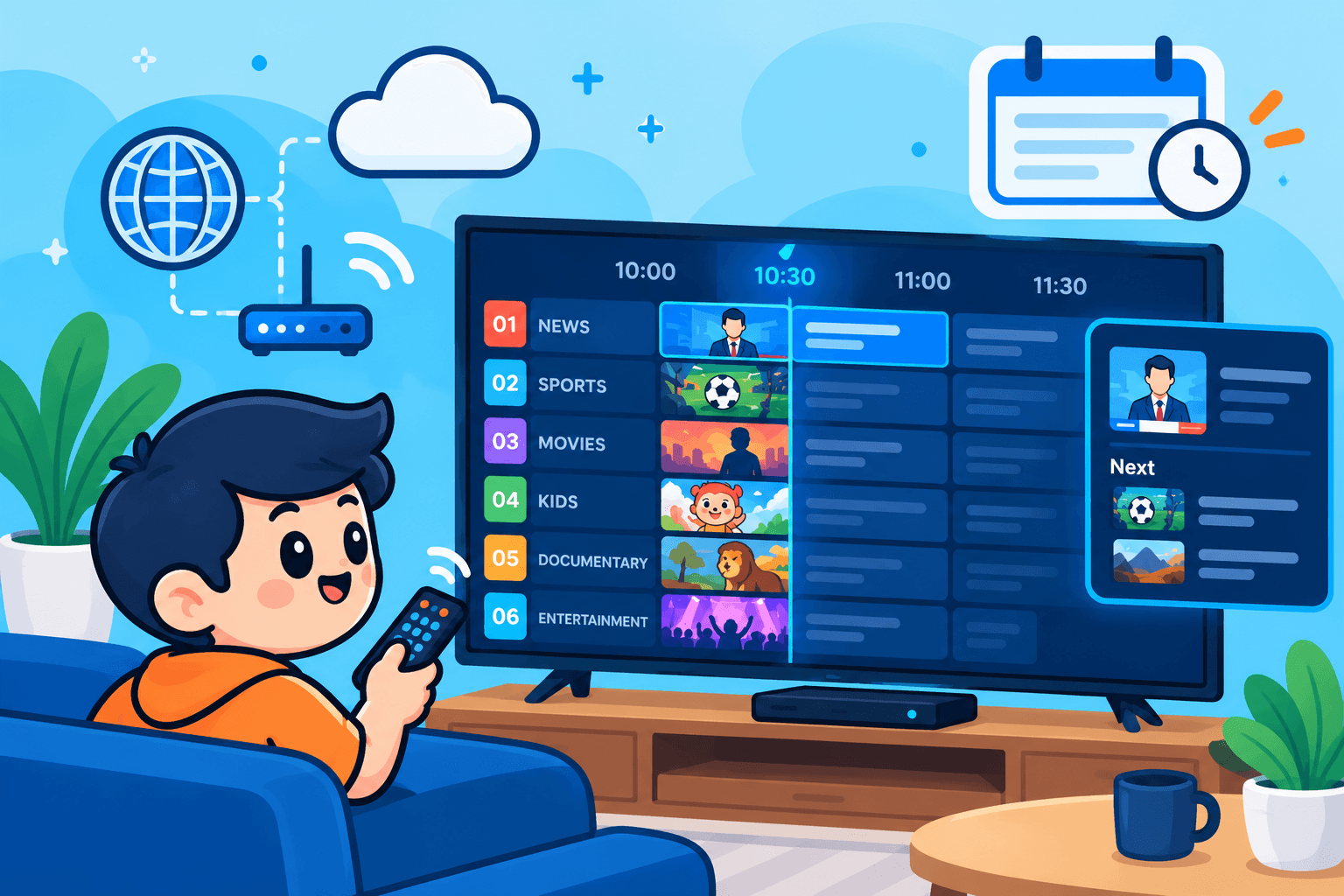
Open the TV guide in any IPTV app and you are looking at an EPG, or electronic program guide. It is what turns thousands of channel names into a schedule you can browse: what is on now, what is next and what aired earlier. This article explains how an IPTV guide is put together, why it sometimes goes blank or drifts by an hour, and how to fix it.
Already know the theory and just want to load a guide into an app? Go straight to the walkthrough for importing an EPG in IPTV Extreme, or the TV guide section of our TiviMate setup guide.
EPG in one sentence
An EPG is an on-screen schedule listing programmes by channel and time. You will see it spelled “program guide” in the US and Canada and “programme guide” in the UK and Ireland; it is the same thing. Cable and satellite boxes have had one for decades, and IPTV apps build the same grid from data downloaded over the internet.
A typical listing includes:
- The programme title and often an episode name.
- Start and end times.
- A short description.
- Extras such as genre, age rating, season and episode numbers or artwork, when the provider supplies them.
Three pieces that make a guide
In IPTV, the channel list and the schedule arrive separately, and your app joins them. Knowing the three pieces explains almost every guide problem.
1. The playlist
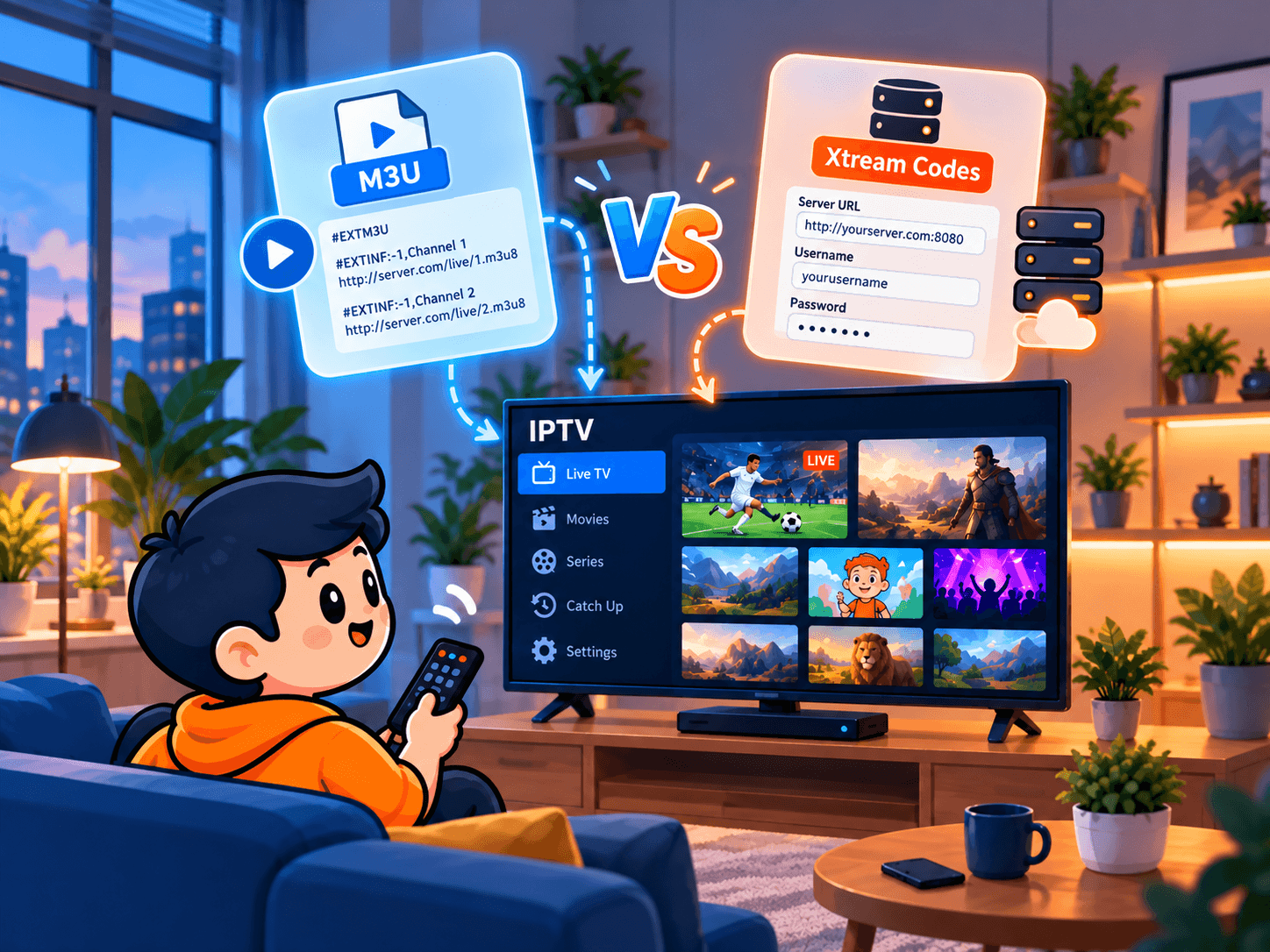
Your M3U link or Xtream Codes login tells the app which channels exist and where each stream lives. It carries no schedule at all. For the bigger picture of how streams reach your TV, see what IPTV is and how it works.
2. The XMLTV file
The schedule normally comes as an XMLTV file: structured text listing each channel and, under it, a long run of programmes with start times, end times and descriptions. Providers rebuild it regularly from broadcaster schedules and publish it at a fixed address your app downloads.
3. The channel IDs
The app pairs playlist and schedule by ID. Each channel in the XMLTV file has an identifier, and each playlist entry carries a matching tag. When they match, listings appear beside the right channel; when they do not, you get “No information”. This one detail causes most guide trouble.
Why a good guide matters
- Finding something to watch: browsing by time beats flicking through thousands of channels.
- Live sport: the guide is the quickest way to find kick-off or tip-off times and which channel has the game. See watching football on IPTV for match-day use.
- Catch-up: replaying a past programme from the grid only works when the data is accurate.
- Reminders and recording: apps that offer them rely on the guide to know when a show starts and ends.
A service with a patchy guide feels harder to use even when its streams are excellent, which is why guide quality belongs on any IPTV free test checklist.
Where guide data comes from
Your provider (the best option)
Most providers include an EPG link with every subscription. With Xtream Codes, many apps load it automatically; with M3U, you may paste it in yourself. Because the provider controls both the playlist and the guide, the IDs are designed to match, so there are fewer gaps.
Third-party sources
Independent EPG sources, free and paid, can fill gaps for particular countries, but their IDs often differ from your playlist and need mapping by hand. Use them as a top-up, not a replacement.
Fixing the four common guide problems
Nothing shows at all
Check that an EPG link has been added, that it opens in a browser and that it is attached to the right playlist, then run a manual update. If all of that looks fine, ask your provider whether its guide server is working.
Some channels say “No information”
Almost always an ID mismatch. Use your provider’s own guide link, try the app’s manual channel mapping if it has one, and send support the names of channels that stay blank.
Everything is an hour out
A shift of exactly one or more hours is a time zone problem. Set the device clock to automatic, then use the app’s EPG offset setting. Watch out around daylight saving: North America changes clocks on the second Sunday in March and the first Sunday in November, while the EU changes on the last Sundays of March and October. In the weeks between, guides built for one region can be an hour out in the other.
The guide slows the app down
International guides can be huge. On older sticks, use a region-specific EPG if your provider offers one, store fewer days and update once a day. If playback suffers too, see the IPTV buffering guide.
How to judge a guide
“Includes an EPG” can mean very different things. Check these qualities on several channel groups, since quality often varies by country:
- Coverage: how many of your channels have real listings, not just the big ones.
- Accuracy: times that line up with the screen, including sport that overruns.
- Depth: several days ahead and, ideally, a few days back for catch-up.
- Detail: useful descriptions, episode information and genres.
- Freshness: daily updates so late schedule changes appear in time.
Players with the best guides
Guide quality depends on the data and the app showing it. Look for:
- A full-screen grid as well as a now-and-next view.
- Smooth scrolling with thousands of channels loaded.
- Search across programme titles, not only channel names.
- Catch-up playable straight from the grid.
- Automatic daily updates and a time offset setting.
On Fire TV and Android TV, TiviMate is widely regarded as having one of the most polished guides, while IPTV Smarters and IPTV Extreme offer flexible setup across many devices. Our apps and devices page shows which players run where.
How the guide drives catch-up
Catch-up, also called replay or archive, plays programmes that have already aired, often several days back. The guide is its interface: you scroll back, pick a show, and the app requests the archived stream for that time slot. If the guide is out of sync, the app asks for the wrong window and you land halfway through something else.
Only channels where the provider keeps an archive offer catch-up, usually marked with a small icon. To test it, play a programme that ended an hour ago and check that it starts at the beginning. If it is consistently a few minutes early or late, report it to support.
Summary
An IPTV EPG is a schedule delivered over the internet and matched to your channels by ID. When something goes wrong, the fix is nearly always the link, the channel matching or the time offset. Want to see a fully populated guide on your own TV? Request a free trial of SofaIPTV and check it yourself.
Frequently asked questions
Do IPTV subscriptions include an EPG?
With most reputable providers, yes. Look for an EPG or XMLTV link in your welcome message, or ask support.
Is the EPG the same as catch-up?
No. The EPG is the schedule; catch-up is replaying past programmes. Catch-up uses the EPG to know which programme and time slot you want.
Why does my guide only cover a few days?
Guide files cover a limited window, often a few days to a week ahead, to keep their size manageable. Daily updates keep the window moving forward.
Why is my guide an hour off after the clocks change?
North America and Europe switch daylight saving time on different dates, and some guides publish times in UTC. Set your device time to automatic and adjust the app’s EPG offset if needed.