IPTV, short for Internet Protocol Television, is TV that reaches you over an internet connection rather than a cable line, satellite dish or antenna. The picture travels as data, exactly like a web page or a video call, and an app on your TV, streaming stick, phone or computer turns it back into live channels, films and series.
Chances are you already use it. The TV box from many broadband and phone companies runs on IPTV, and so do the live channels inside lots of streaming apps. This guide explains how it works, what you can watch, what you need at home and how it compares with cable and satellite in North America and Europe.
The short answer
If you only read one section, read this:
- IPTV delivers TV over the internet instead of through the air or a dedicated cable network.
- You watch it through a player app on a device you probably already own.
- It usually combines live channels, catch-up and a library of films and series.
- Picture quality depends heavily on your internet connection.
How a channel gets from the server to your screen
Over-the-air and satellite TV send every channel to everyone, all the time; your set simply tunes in to one of them. IPTV flips that around. Nothing is sent until your device asks for a specific channel, and then only that channel travels to you. Along the way, four steps take place:
- Encoding: the source channel is captured and compressed into a digital video stream.
- Hosting: servers, often in several regions so you connect to one nearby, hold the stream ready to send.
- Streaming: when you pick the channel, the server sends it to you as a steady run of short video segments.
- Buffering and playback: the app keeps a few seconds of video in reserve and plays from that reserve, so brief hiccups in the connection go unnoticed.
That reserve is the key to understanding quality. If video is played faster than it arrives, the reserve runs dry and the picture freezes: the dreaded buffering wheel. Our IPTV buffering guide covers the fixes, and internet speed for IPTV explains how much bandwidth each quality level needs.
Three ways to watch
Most IPTV apps put three kinds of viewing under one roof.
Live channels
These play in real time, like regular TV: news, sport, entertainment, kids’ channels and more, usually sorted into groups by country and genre. You change channel with the remote and see what is on now and next.
Catch-up
Catch-up (also called time-shift or archive) lets you scroll back in the guide and play a programme that has already aired, typically within a window of a few days. Only some channels offer it, and the app normally marks them with a small clock or archive icon.
On demand
Video on demand, or VOD, is a library of films and series you can start, pause and resume whenever you like, much like a subscription streaming app. It has its own section, separate from live TV.
Holding everything together is the electronic programme guide (EPG), the grid that shows what is on each channel and when. See what an EPG is in IPTV for the details.
Managed IPTV vs internet IPTV
The word IPTV is used for two different setups, which is why explanations online can seem to contradict each other.
Managed IPTV runs on a provider’s own private network. The set-top box from a broadband or telecom company is the classic example: because the operator controls the route from its servers to your living room, it can guarantee bandwidth and quality.
Internet IPTV, which is what most people mean today, travels over the open internet to any compatible device through a player app. It works with any broadband provider and on almost any screen, but the result depends more on your home connection. Technically it is a form of OTT streaming, a distinction our IPTV vs OTT comparison unpacks.
IPTV compared with cable and satellite
In the United States and Canada, many households pay for a cable or satellite bundle with a set-top box per TV. In much of Europe, satellite dishes and terrestrial antennas are still common alongside broadband TV boxes. Against all of these, IPTV differs in a few clear ways:
- Setup: no dish, no technician visit and no new cable run. An internet connection and an app are enough.
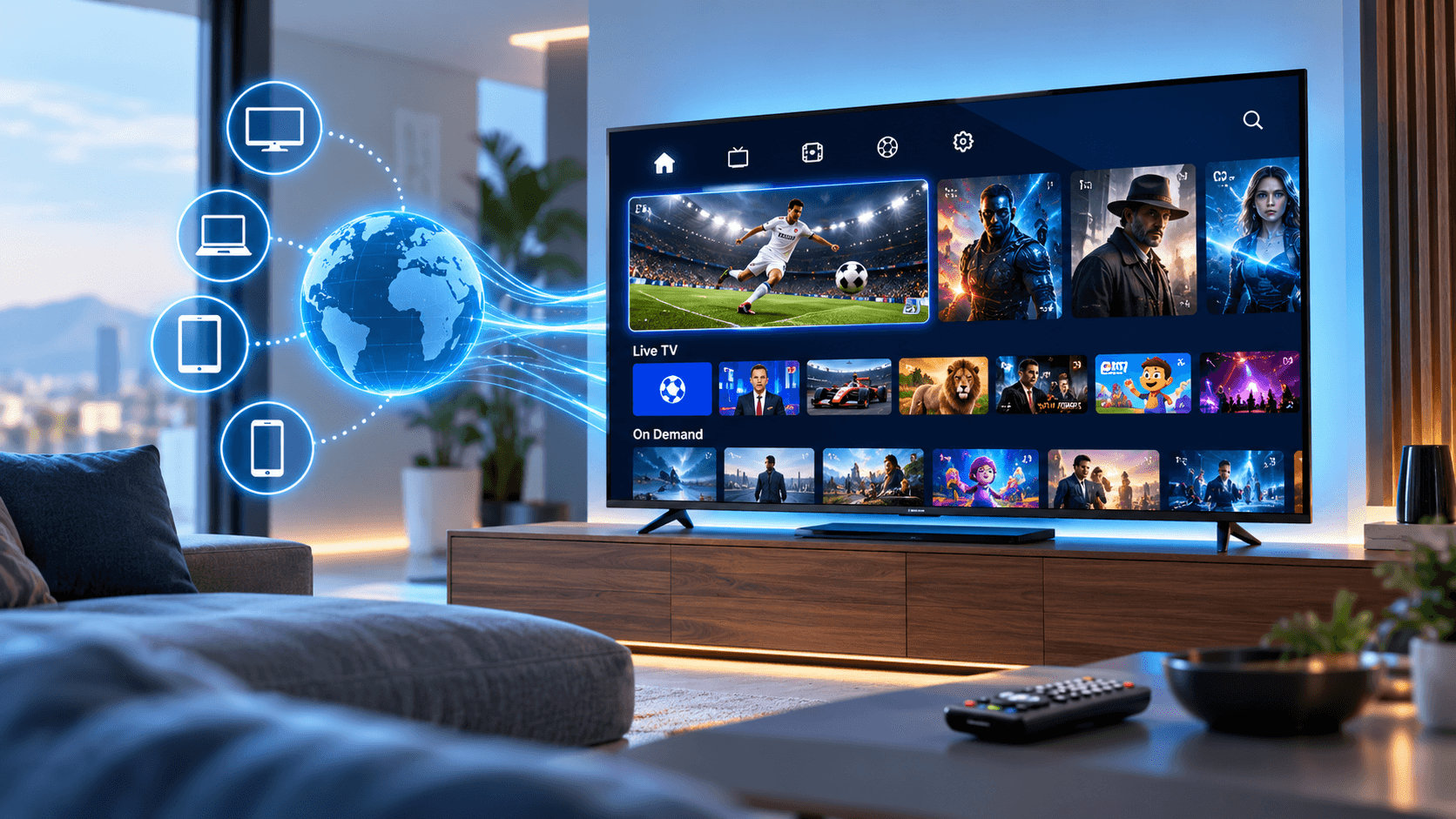
- Screens: one subscription can work on smart TVs, sticks, phones, tablets and computers instead of one box per room.
- Location: watch in any room, or away from home, on a supported device.
- Commitment: plans are typically monthly or multi-month rather than one- or two-year contracts.
- Dependence on broadband: cable and satellite do not care how fast your internet is; IPTV does.
- Weather: heavy rain or snow can knock out a dish, while IPTV keeps going as long as your internet does.
What you need at home
Three things, most of which you probably have already:
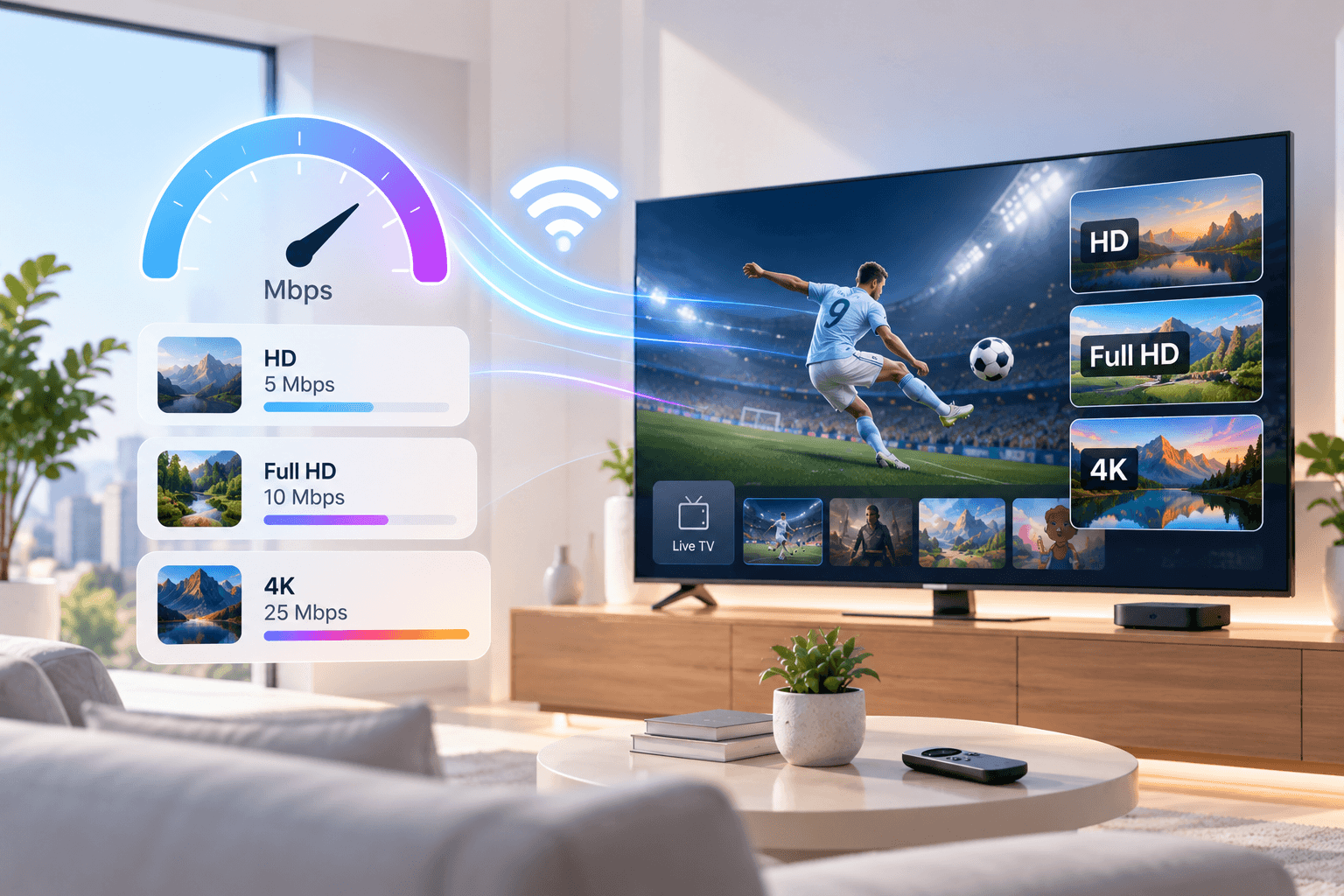
- Broadband with enough headroom: roughly 5 Mbps per stream for HD, 8–10 Mbps for Full HD and about 25 Mbps for 4K. Ethernet or 5 GHz Wi-Fi works best for TVs.
- A device: a smart TV, Fire TV Stick, Android TV or Google TV box, MAG box, phone, tablet or computer.
- A player app plus a subscription: the app does the playing, and the subscription supplies the channels and on-demand library.
For device-specific help, start with our supported apps and devices page, the Firestick installation guide, or the round-up of IPTV apps for Samsung and LG TVs. Apple users can follow the guide to IPTV on iPhone, iPad and Apple TV.
A mini glossary
You will run into these terms during setup:
- Player app: software such as TiviMate, IPTV Smarters or IBO Player that plays a subscription. It comes with no channels of its own.
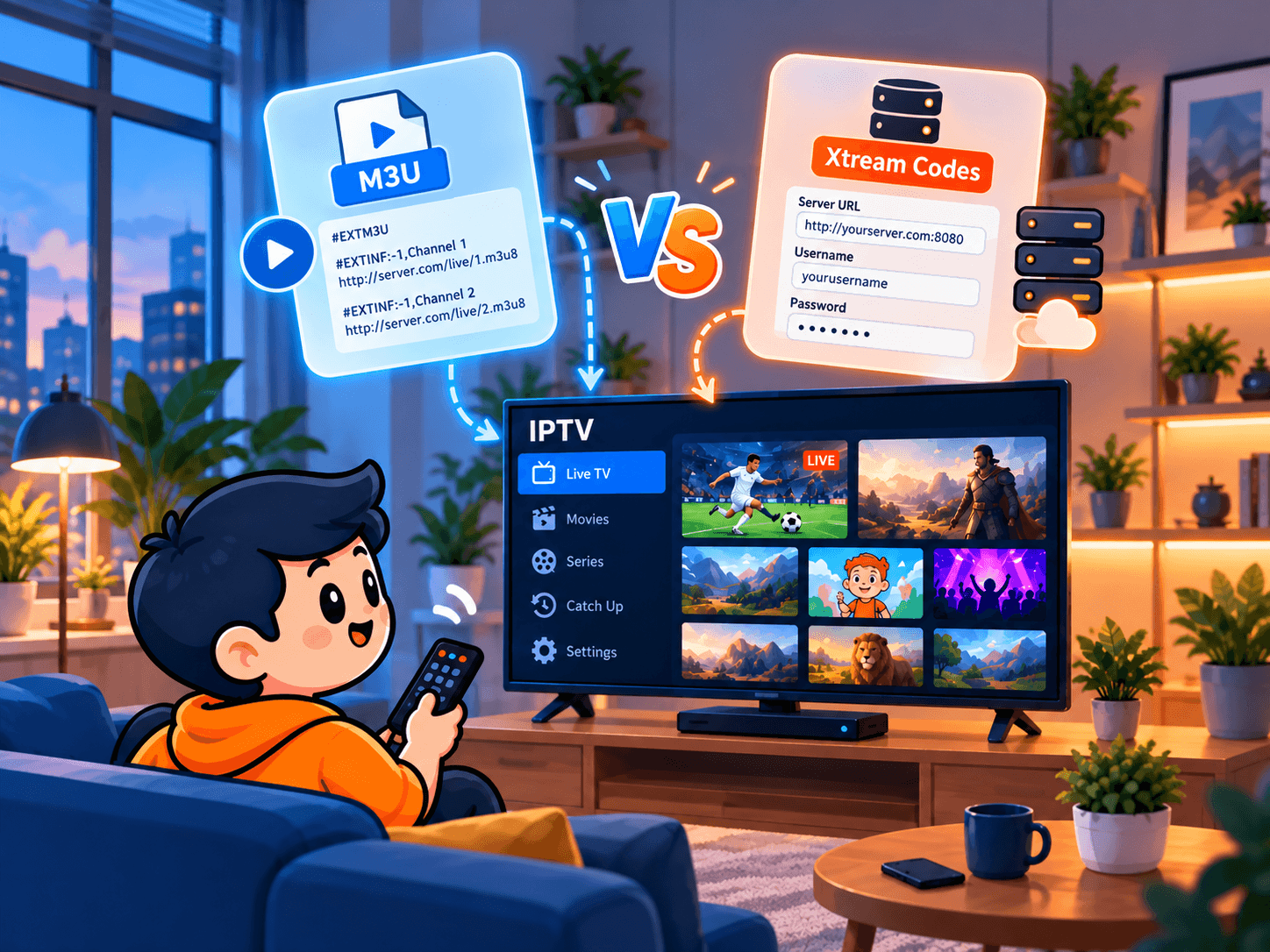
- Xtream Codes login: a username, password and server address that load live TV, the guide and the on-demand library in one step.
- M3U link: a single web address that contains the channel list; the guide is usually added separately. Our M3U vs Xtream Codes guide compares the two.
- EPG: the electronic programme guide.
- Connection: one stream playing at a time. Two connections means two screens can watch at once.
- MAG box: a dedicated set-top box that links to a service through its MAC address rather than an app login.
Upsides and downsides
Why people switch:
- Live TV, catch-up and on-demand in a single app.
- Works on nearly any screen, at home or on the move.
- No installation appointment or hardware rental.
- Shorter, more flexible plans than most pay-TV contracts.
- Several screens at once on a multi-connection plan.
What to keep in mind:
- A slow or unstable connection shows up directly on screen.
- Peak evening hours can cause buffering if your network or the provider is overloaded.
- You need to install and log in to a player app once.
- Quality varies widely between providers, so testing before you pay matters.
Is IPTV legal?
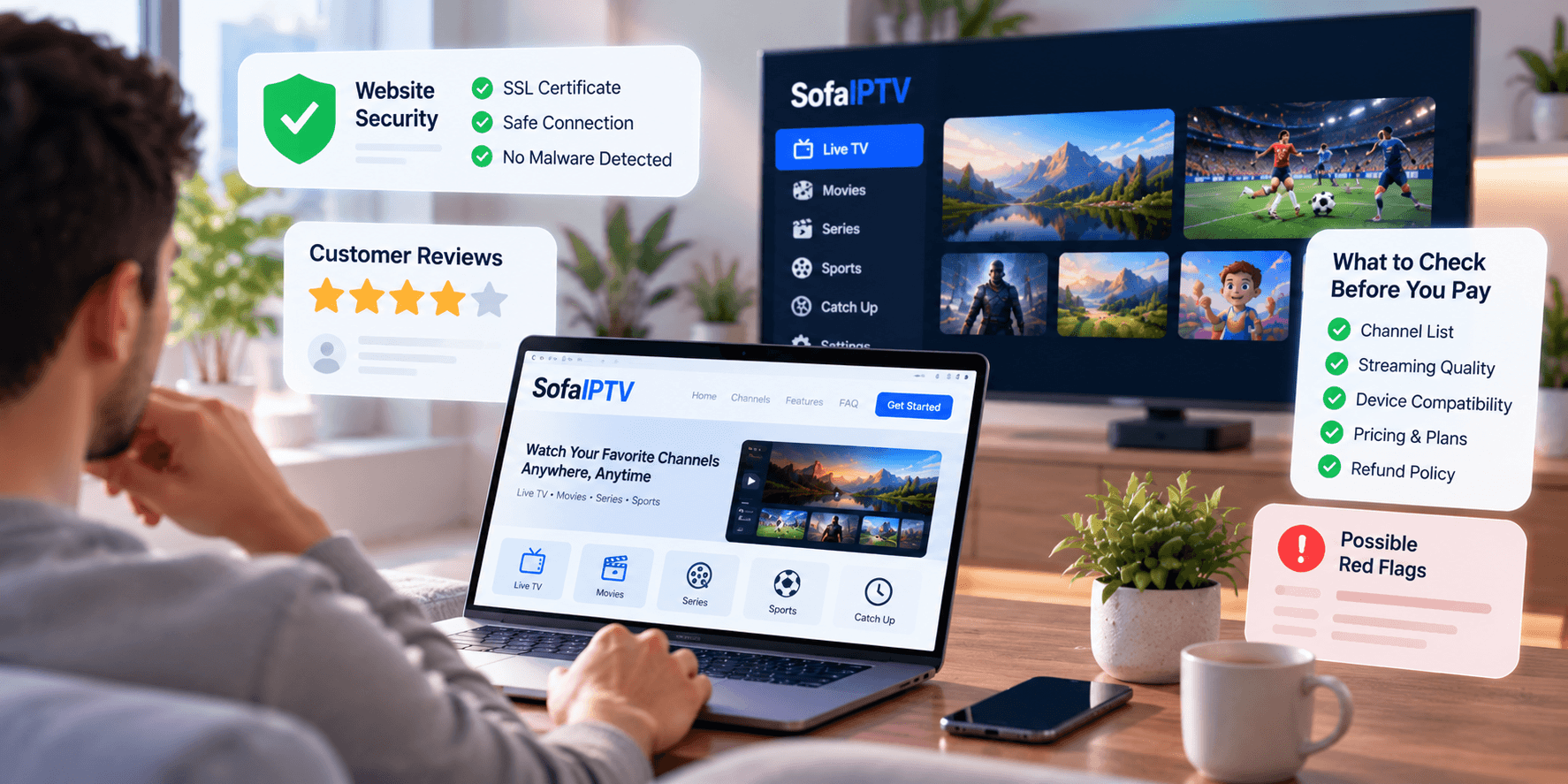
The technology is entirely legal and used by major broadcasters and telecom companies. Whether a particular service is lawful depends on whether it holds the rights to the content it offers, and on the rules where you live, which differ between the United States, Canada and individual European countries. Before subscribing to any provider, look for a clear identity, published terms, a refund policy and real support, and check local rules if you are unsure.
Choosing a service
A good provider should pass these tests:
- Offers a free trial so you can judge quality yourself.
- Stays stable on a weekday evening, not just in a quiet afternoon.
- Has a complete TV guide with correct times for your time zone.
- Answers support questions quickly on a channel you actually use.
- Shows clear prices and terms with no surprise fees.
- Allows enough simultaneous connections for your household.
The IPTV free test checklist turns these points into a 24-hour plan you can follow during any trial.
Conclusion
IPTV is television sent over the internet: a player app requests the channel you choose and streams it to your screen, alongside catch-up and an on-demand library. With a reasonable connection, a compatible device and a reliable provider, it can replace or sit alongside cable and satellite.
Curious how it looks on your own TV? Request a free trial of SofaIPTV, install a player app and watch at your busiest time of day before choosing a plan. Questions along the way? Contact our support team.
Frequently asked questions
What does IPTV stand for?
Internet Protocol Television: TV delivered over an internet connection rather than a cable line, satellite dish or antenna.
Do I need a special box to watch IPTV?
No. Most smart TVs, Fire TV Sticks, Android TV boxes, phones, tablets and computers can play IPTV with the right app. A dedicated box such as a MAG device is optional.
How fast does my internet need to be for IPTV?
Roughly 5 Mbps per stream for HD, 8–10 Mbps for Full HD and about 25 Mbps for 4K, with extra headroom if several people stream at once.
Is IPTV the same as a streaming app like Netflix?
Not quite. On-demand apps such as Netflix only offer a library you start when you like. IPTV services centre on live channels with a TV guide, and usually add catch-up and an on-demand library on top.
Can I watch IPTV when I travel?
Usually yes, on any supported device with a stable internet connection, as long as you stay within the number of simultaneous connections on your plan.