Live football (soccer, if you are reading in the US or Canada) is the toughest test a streaming setup faces. A film can buffer a few seconds ahead without anyone noticing; a match is live, fast and watched by millions at the same moment. A stream that is fine on a quiet afternoon can stutter during a Champions League night just as the winner goes in.
Most match-day problems are predictable, and nearly all can be solved before the season gets busy. This guide covers channel organisation, kick-off times, smooth motion, delay, buffering and following several games at once. The steps work on any device and good player app, and they are what the SofaIPTV support team suggests before big fixtures. American football, basketball and hockey fans will find a short section for them near the end.
Why 2026/27 is a busy season to stream
European club football has more matches than ever. Since 2024/25 the Champions League has used a single 36-team league phase instead of groups, with each club facing eight different opponents; the Europa League uses the same eight-match model and the Conference League six. On the final league-phase matchday, every game kicks off at once.
Add domestic leagues, cups and international breaks, and a busy week can have football on Friday, Saturday, Sunday, Tuesday and Wednesday. For viewers in Europe that usually means evening kick-offs; in North America, the same European matches often land at lunchtime or mid-afternoon on weekdays. Either way, three challenges come up:
- Finding the right channel quickly, often minutes before kick-off.
- Keeping the picture smooth at peak times, when networks and servers are busiest.
- Following more than one match, on one screen or around the house.
A 15-minute pre-season setup
Do this once and match days become far calmer:
- Update the player app and your device software; updates often fix playback bugs.
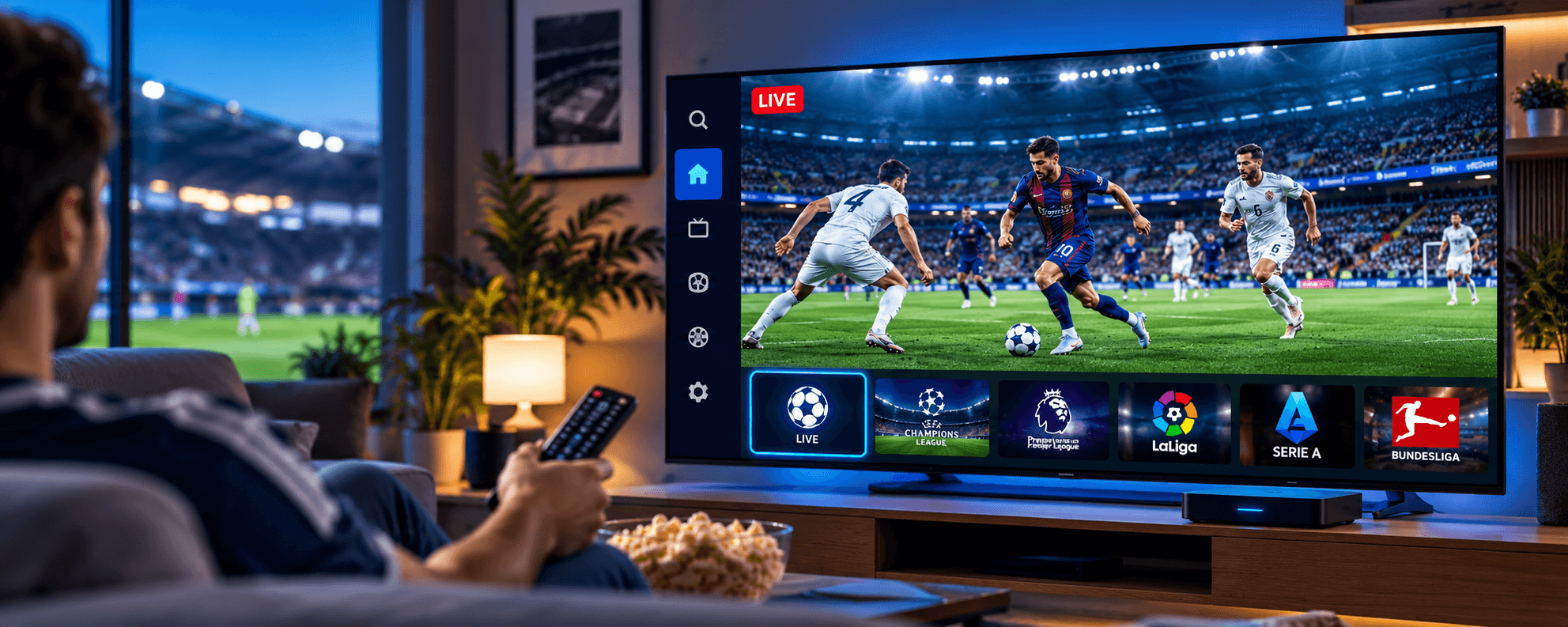
- Build a football favourites list from your sports channels so you are not scrolling through hundreds at 7:58 pm.
- Add backup feeds to the same list where your package carries a match on more than one channel.
- Load the TV guide and check it fills in; kick-off times and team names come from it.
- Confirm your device time zone so the guide shows kick-offs in your local time.
- Do a dress rehearsal: watch a live match at a busy time and see how the stream behaves.
Setting up a new device? The Firestick installation guide and the comparison of IPTV apps for Samsung and LG TVs cover installation step by step.
Let the TV guide find kick-offs for you
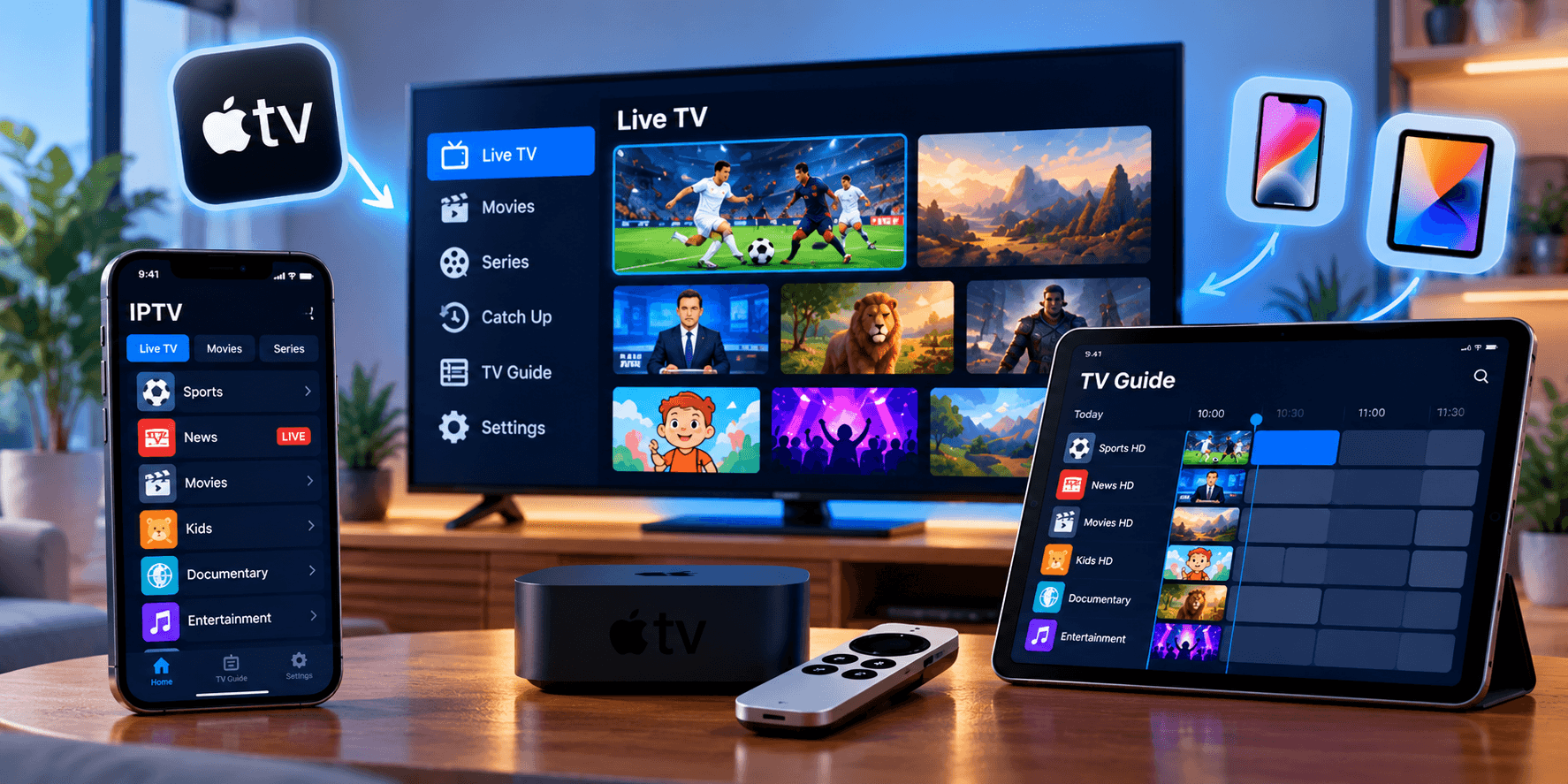
The EPG inside your player beats any fixtures website on match day, because it shows which channel has which game, in your time zone, right beside the stream. See how the IPTV EPG works for the background.
Three habits help. Check the guide in the morning so you know which channel to open. Use the reminder or recording feature if your player has one. And refresh the guide daily: it only covers a limited window and fixtures are often moved for TV, so an old guide can show the wrong time. Twice a year, North America and Europe change their clocks on different dates, so double-check European kick-offs in the weeks around March and late October.
If the guide is empty or shows the wrong programmes, the guide link usually needs updating. The IPTV Extreme EPG walkthrough shows the process, and most players work the same way.
Getting a smooth, sharp picture
A fast ball on a big green pitch exposes judder, blur and blockiness instantly. Three things matter most.
Enough bandwidth
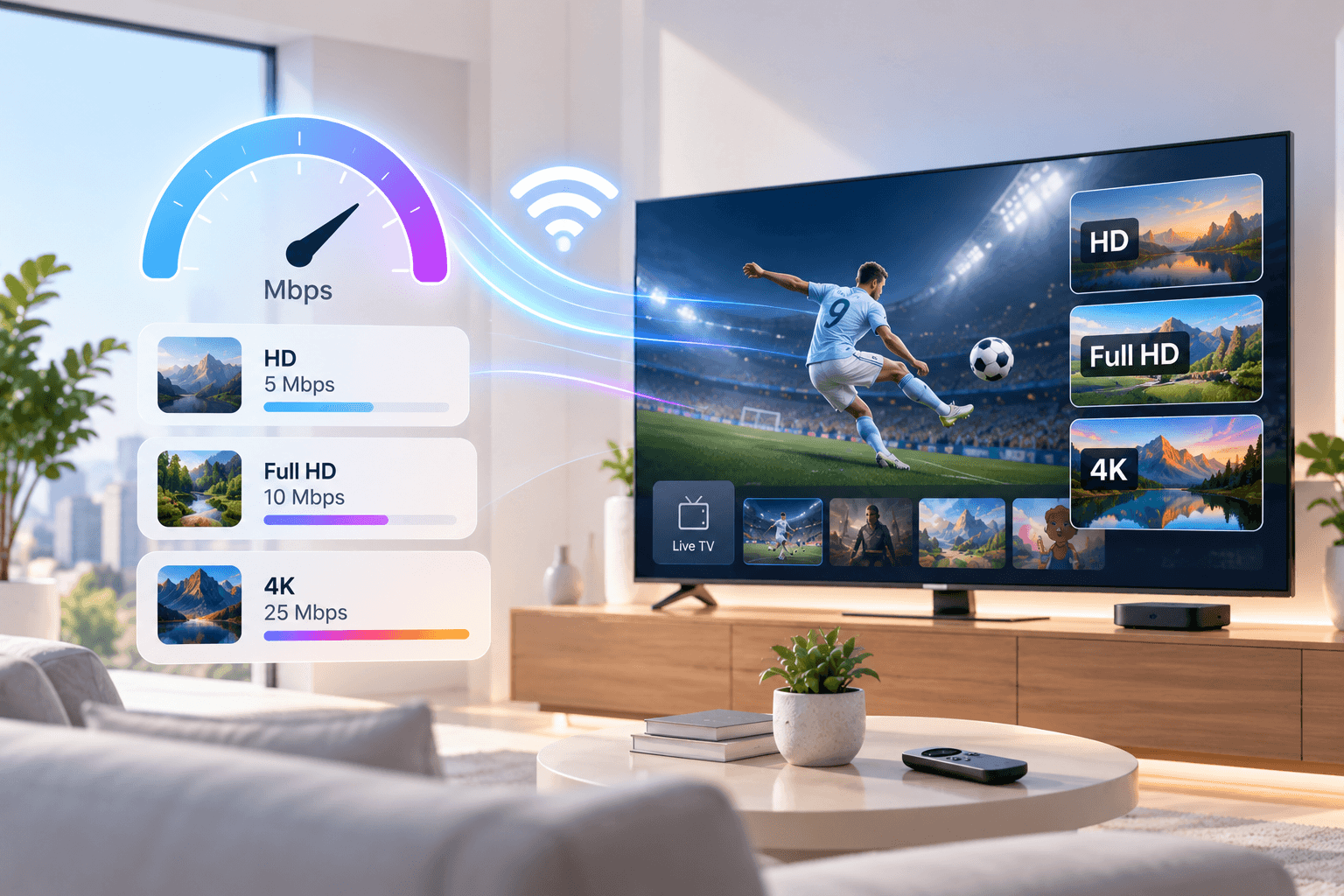
Measure speed on the device you watch on with a site such as fast.com. Each live stream needs roughly 5 Mbps for HD, 8–10 Mbps for Full HD and 25 Mbps for 4K, plus headroom if others are online. Most football is still produced in HD, and a steady Full HD stream looks better than 4K that keeps dropping quality. More in internet speed for IPTV.
The right frame rate
European football is broadcast at 50 frames per second, while North American broadcasts run at 60. Many streaming devices output 60 Hz by default, so European matches show a slight, regular judder on camera pans. On Fire TV, turn on Match Original Frame Rate; in your player, enable auto frame rate (AFR) if offered. The TV then switches to 50 Hz for European football and back to 60 Hz for North American channels.
Sensible TV settings
The TV’s sport mode often pushes brightness and colour too far, turning the pitch neon; compare it with standard or cinema mode. Motion smoothing (Auto Motion Plus on Samsung, TruMotion on LG, Motionflow on Sony) is a matter of taste: low settings help pans, high settings look smeared. Avoid game mode for football, as it switches off processing that improves broadcast pictures.
Beating match-day buffering
Big games draw the biggest audiences, so networks and servers are under the most strain. These help most:
- Use Ethernet, or an Ethernet adapter on a streaming stick.
- On Wi-Fi, use 5 GHz and keep the router in the open near the TV.
- Pause downloads, cloud backups and console updates during the match.
- Raise the player buffer slightly if the app allows it.
- Restart the router and streaming device a few hours before kick-off, not at half-time.
Still freezing? The IPTV buffering guide works through twelve fixes in order.
Delay and spoilers
Every live stream trails the real action, by anything from a few seconds to over a minute. That only hurts when a phone, a neighbour or the group chat reacts first.
Mute score alerts from sports and betting apps while you watch. Keep the player buffer sensible, since a huge buffer adds extra delay. Watching with friends elsewhere? Agree to message only after the replay.
Following several matches
On one screen
Some players offer multi-view with two or four channels at once. Each tile is a separate stream, so multiply the bandwidth figures above, and use a recent streaming box or powerful Android TV device rather than an entry-level stick.
Around the house
The simpler route is one match on the TV and another on a tablet or laptop. Each simultaneous stream uses one connection on your plan, so two screens need two connections. The multiple connections page explains the options.
Catch-up for matches you missed
Many channels support catch-up, letting you go back in the guide and play a match that has already aired, usually for a limited number of days. Look for the catch-up or archive icon. Start the match from the guide rather than the live channel, and stay off score apps until you have watched it.
NFL, NBA and NHL viewers
Everything above applies to American sports too, with two differences. North American broadcasts run at 60 frames per second, so frame-rate matching matters mainly when you also watch European channels. And the busiest windows are different: NFL Sundays with several games at once, plus evening NBA and NHL slates, are when multi-view and extra connections earn their keep.
Match-day checklist
- Router and streaming device restarted earlier in the day
- Player updated and guide refreshed
- Match channel and a backup in favourites
- Ethernet or 5 GHz Wi-Fi in use
- Downloads and updates paused elsewhere
- Frame-rate matching on
- Score alerts muted
Summary
Do the dull part in advance: organise channels, trust the guide for kick-offs, match the frame rate, wire the TV and keep a backup feed one click away. Then the only thing left to worry about is the result.
Not sure a service can cope with a busy match night? Test it first with the 24-hour IPTV free test checklist, then request your free trial and watch a real match before choosing a plan.
Frequently asked questions
What internet speed do I need for football on IPTV?
About 8–10 Mbps per Full HD stream and 25 Mbps for 4K, plus headroom for others in the house. Measure on the device you watch on.
Why does European football look jerky on my TV?
It is broadcast at 50 frames per second and is probably being shown at 60 Hz. Turn on Match Original Frame Rate on Fire TV or auto frame rate in your player, and lower motion smoothing on the TV.
Why is my stream behind the live action?
All live streams have some delay, from a few seconds to over a minute. Avoid an oversized player buffer and mute score alerts so nothing spoils goals for you.
Can I watch two matches at once?
Yes, with multi-view if your player and device support it, or on two devices. Two simultaneous streams need a plan with at least two connections.
What should I do if a stream drops mid-match?
Switch to the backup channel in your favourites, then restart the app if needed. If the same channel keeps failing, report its name and the time to support.